
Elemenetor Content Area Was Not Found Issue
During using elementor to build up your pages, you may face the Elemenetor Content Area Was Not Found Issue in Your Page, while using the Modern Event Calendar.
Content Area Was Not Found
If you encounter this error:
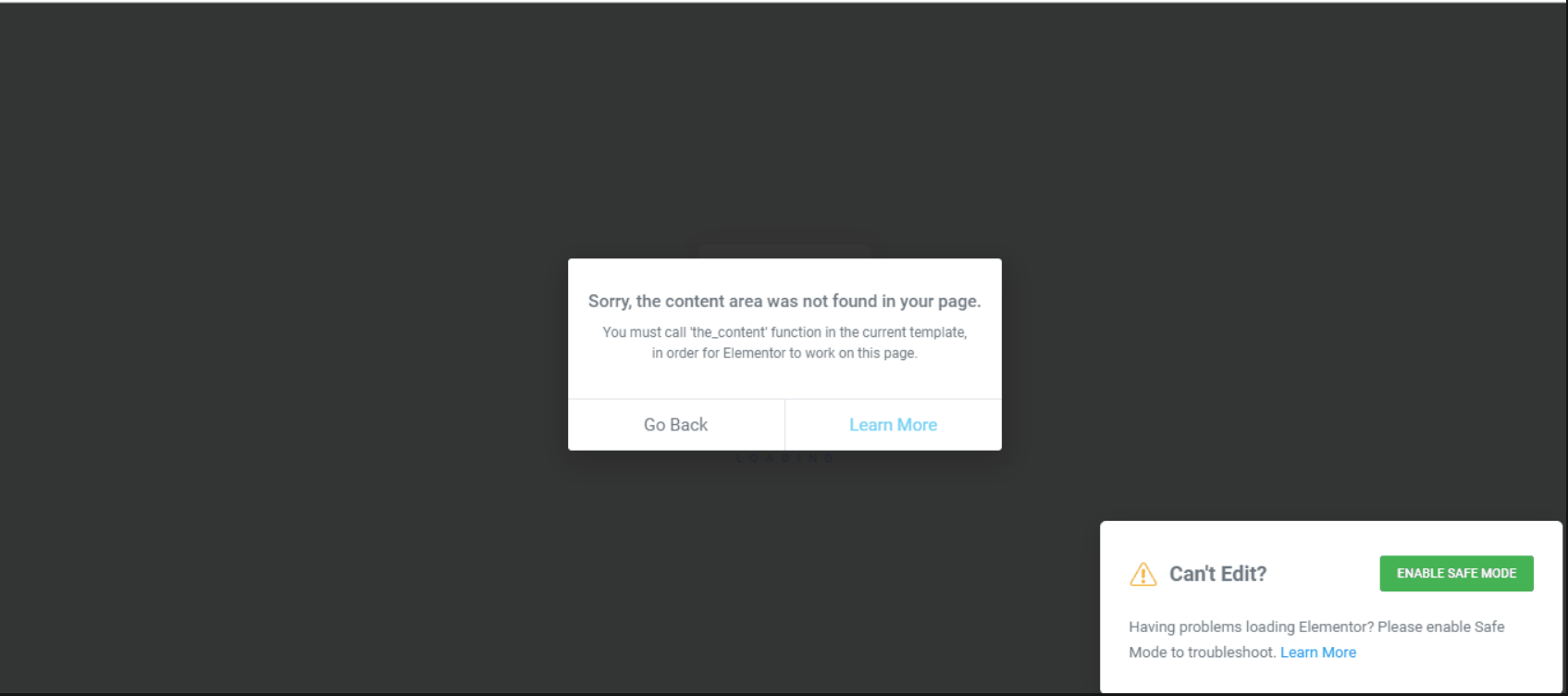
You should read this article: https://docs.elementor.com/article/56-content-area-not-found
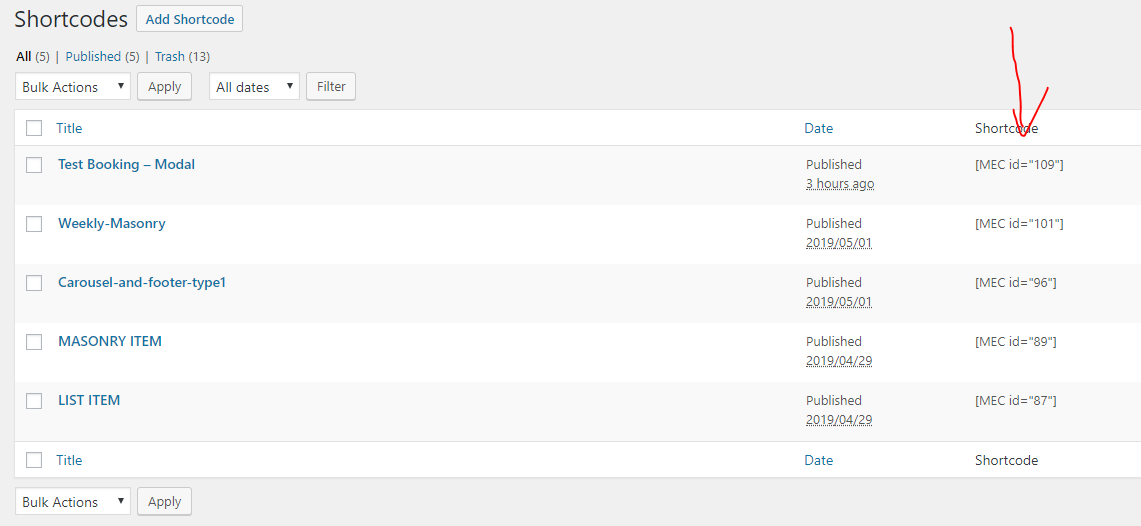
If you use the text of the shortcode:
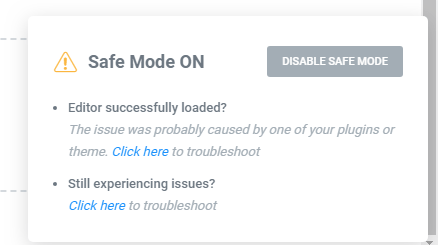
Turn on Elementor Safe Mode
You may encounter the problem. So turn on Elementor Safe Mode so that you can edit the Elementor page
Now, you only need to delete the code and place the MEC widget.
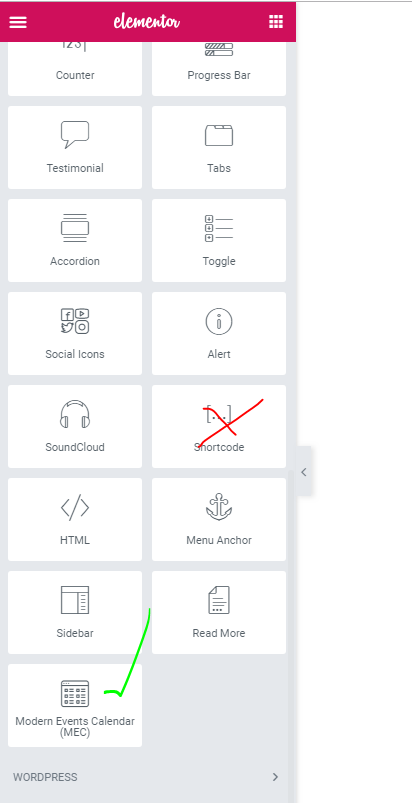
Also, at any time you can deactivate MEC, go to the page builder – remove the shortcode and then activate MEC and go to the page builder, and finally use Modern Events Calendar (MEC) Widget in the same previous place.
Contact our Support team
If you have further questions about Content Area Was Not Found in Your Page while using modern event calendar and Elementor, you can easily contact the MEC support service.
Updated on: 01/02/2026
Thank you!