
Import/Export MEC Settings
You can import/export MEC settings, enabling you to seamlessly integrate your data with other websites that are utilizing MEC. Additionally, if you are transitioning from a previous website to a new one, you can transfer your MEC settings to the new site.
How to Import/Export MEC Settings?
Export
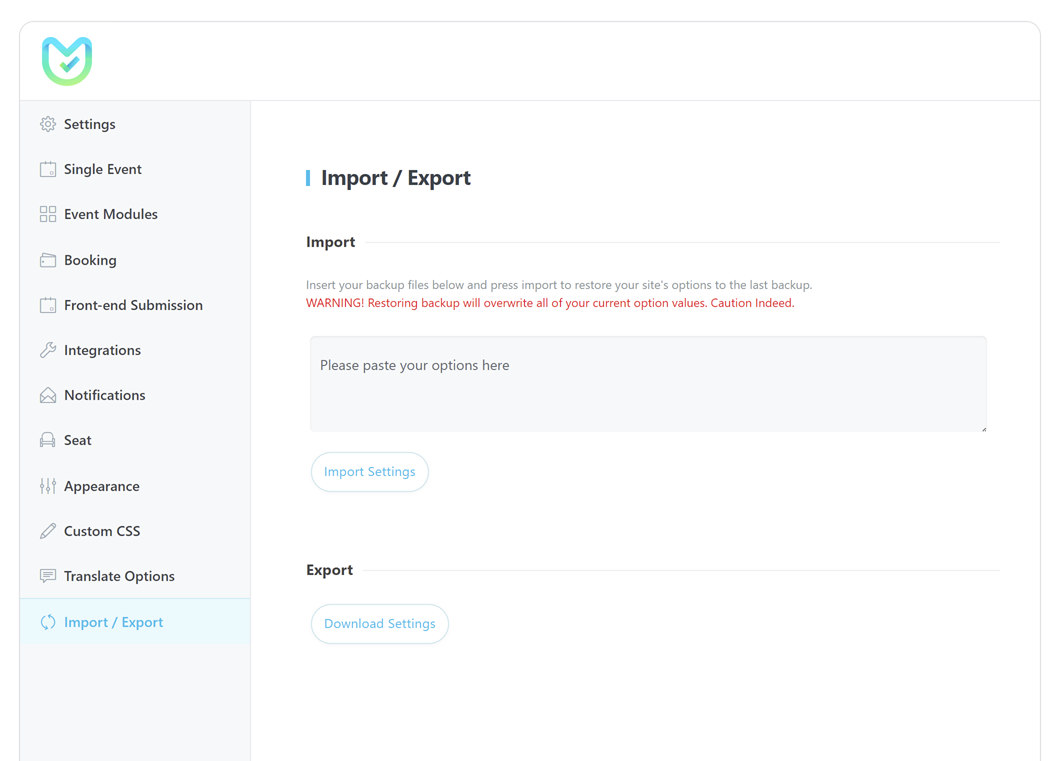
To do so, you need to go to MEC Settings > Import / Export \> Export on the website you want to get an export from.
By clicking the Download Settings button, a JSON file including all MEC Settings will be downloaded.
Import
Now open the file with your code editor and copy its contents into MEC Settings > Import / Export > Import. Then, click on the Import Settings button, and all your settings will be imported to the new site.
Updated on: 01/02/2026
Thank you!