
How to Cancel MEC Subscriptions
This article aims to guide you on how to cancel MEC subscriptions.
Please keep in mind that any issues you may encounter will be addressed promptly by our support team. If further action is required, we will escalate the matter to our developer team for investigation and resolution in future updates.
Accessing Webnus Dashboard
To begin, visit webnus.net and sign in to your account. Next, navigate to the Subscriptions tab in your Webnus dashboard.
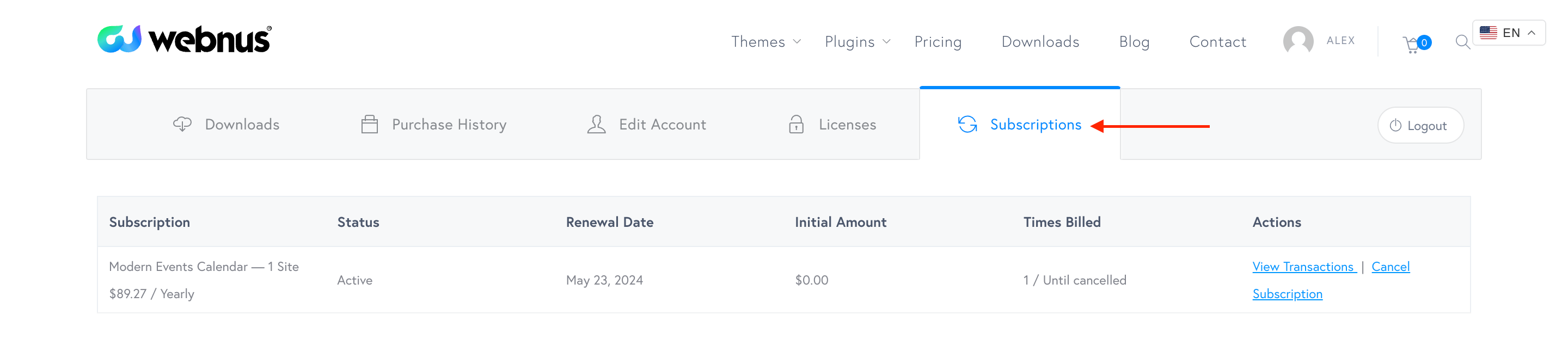
How to Cancel MEC Subscriptions
To cancel your MEC subscription, simply click on the Cancel Subscription link. Once done, your subscription will be successfully canceled.

If you encounter any difficulties, feel free to reach out to our support desk for assistance.
Updated on: 01/02/2026
Thank you!